|
|
 發表於 2011-8-20 13:37:33
|
顯示全部樓層
發表於 2011-8-20 13:37:33
|
顯示全部樓層
為可大家不用 RAID 5?
番薯 發表於 2011-8-20 11:42 

RAID 1 Explained
The RAID level 1 architecture uses the concept of mirroring. This means that errors and failures of all disks can be accommodated in the disk array, except one. However, there can be maximum two disks only. RAID 1 is designed for faster read operations than write. RAID 1 recovery is only possible when one of the two disks have failed. While using any modern multi-threaded operating system (Windows or Linux), RAID 1 array gives better performance for split seeks, that is, access of same memory location by two different users. There needs to be a RAID 1 controller for each disk in this array for best performance.
RAID 5 Explained
In the architecture of RAID 5 disks, the array is so arranged that failure of one disk can be kept hidden. If the second disk fails before the replacement of the first, then there cannot be any data recovery. The maximum number of disks that can be accommodated in the architecture are three, out of which one is kept as a backup. When the first disk fails, the backup disk springs into action and data recovery is possible. In RAID 5, a failed disk needs to be replaced as early as possible. RAID 5 performance suffers whenever there is a read-modify-write operation.
Recovery in RAID Disks
RAID 5 as well as RAID 1 have one common assumption. Every failure is independent of the other. However, this is not completely true. Due to the mechanical nature of the storage disk, failure of one disk may mechanically be dependent on the other. There are techniques such as, parity resynchronization or stale sub-disk recovery, where recovery is possible but these are restricted to specific scenarios. Data loss due to software reasons (a virus or accidental deletion) is however a different issue. The data recovery techniques used in RAID disks and recovery through data recovery softwares are not directly related.
Advantages of RAID 1
Redundancy of the data is hundred percent.
Data need not be rebuilt in case of a single disk failure.
Even though there are two disks in the array, the rate at which data gets transferred is that of a single disk.
Very easy to understand and implement.
Advantages of RAID 5
RAID 5 has an inbuilt load balancing mechanism.
RAID 5 is ideally suited for database applications which are heavily read oriented.
Applications that perform random read operations work well on RAID 5.
High fault tolerance typically requires additional disk space. RAID 5 is highly efficient in that scenario.

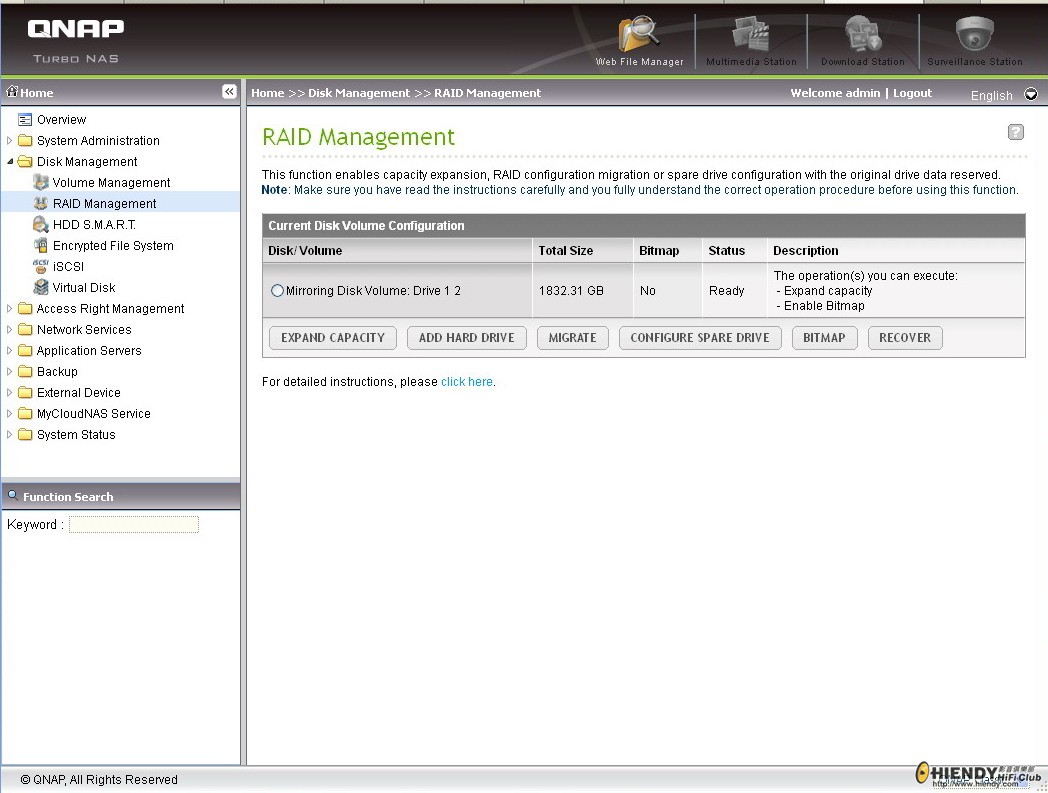
From my opinion, for storage of important data, RAID 1 + External Backup(s) is better than RAID 5.
Please note, there are many stories about RAID 5 single disk failure and ending up the data is not able to recover.
The choice of RAID 1 and RAID 5 is yours.

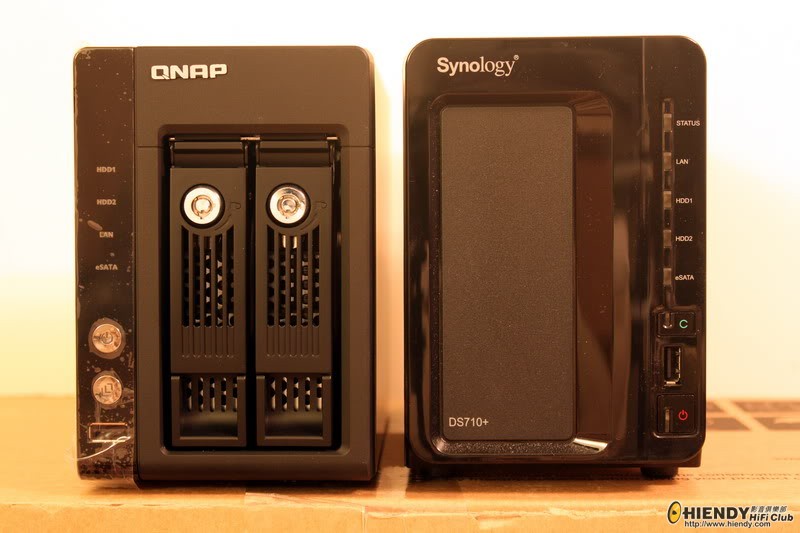
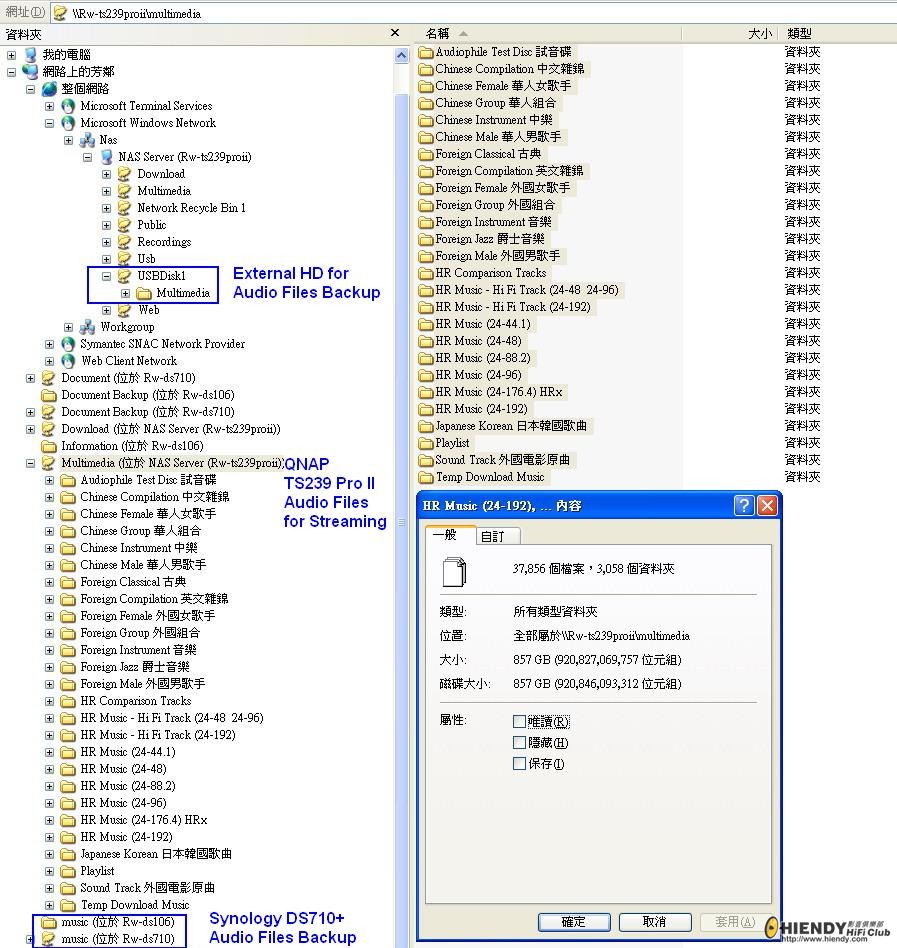
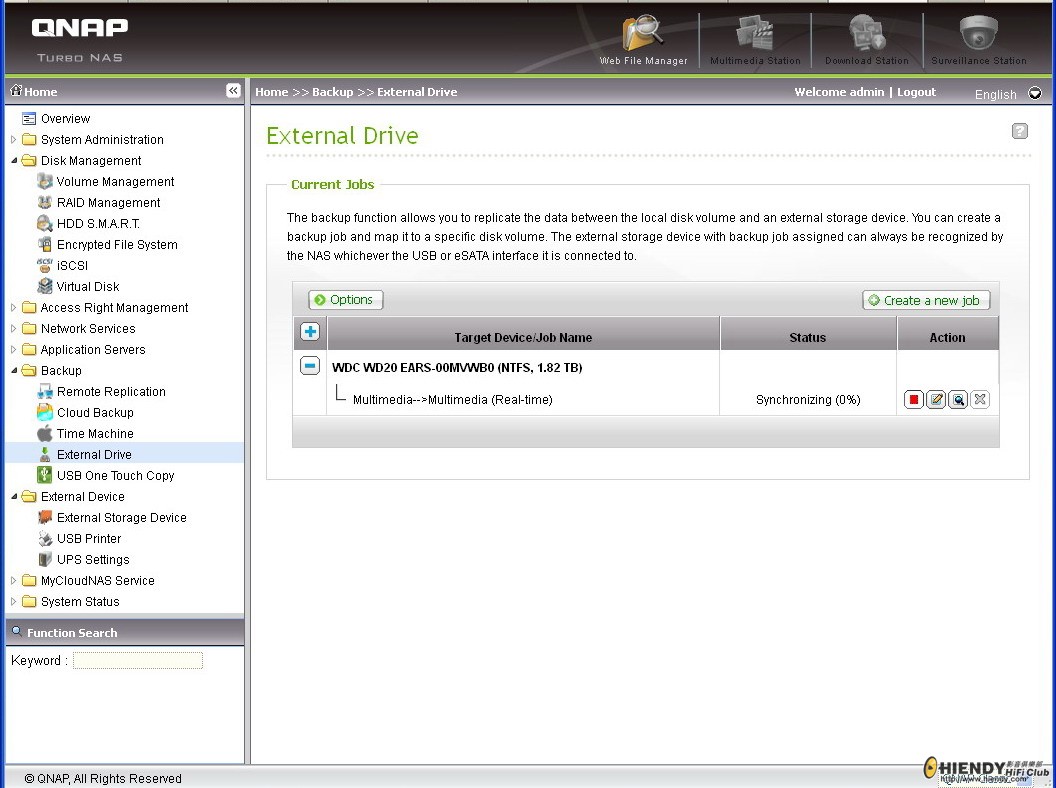
I have RAID 1 for original audio files with external backup by
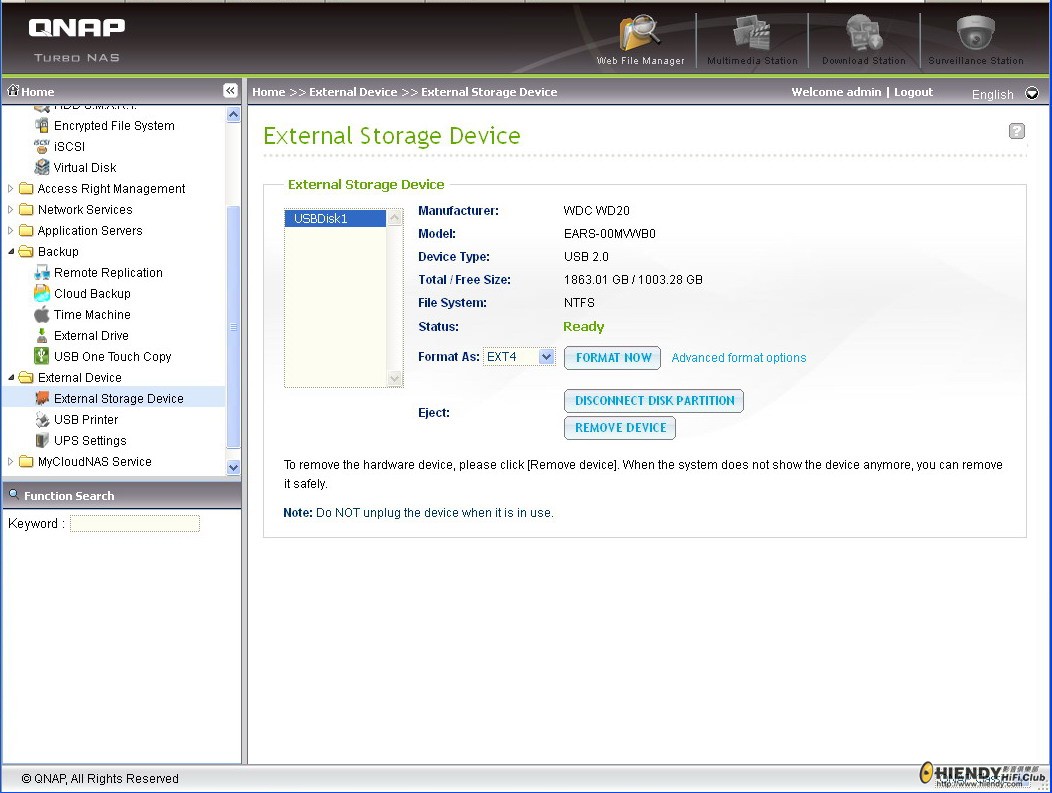
(1) External HD
(2) Another NAS with RAID 1
Hence, double or triple security on minimize the potential data loss.
 |
|



 IP卡
IP卡 狗仔卡
狗仔卡

 提升卡
提升卡 置頂卡
置頂卡 沉默卡
沉默卡 喧囂卡
喧囂卡 變色卡
變色卡 顯身卡
顯身卡






 我想好似用電腦咁整個folder搬過去