|
|
http://blurayplayerhelp.com/upload/BDP10X-75-0515%20jb5.rar
更新內容 :
1.Fixed a bug in calculating acoustic propagation delay from the "Speaker Distance" parameters of the "Speaker Configuration" setting.
2.Upgraded the Netflix application to the latest version certified for OPPO BDP-10x models. This version features a brand new user interface. It also contains improved adaptive streaming technology which will improve streaming quality for high-speed internet connections. The new Netflix application should help customers who have reported poor streaming quality during peak hours. (On a related note, recently customers reported that Netflix streaming on OPPO players and other streaming devices could become unstable with error message like "not connect to internet". In our experience this issue is not caused by the player or its firmware update. It could be either a server-side problem or an Internet traffic problem. Should this happen to your device, please report the outage to Netflix. Netflix recommends a troubleshooting method of de-activating the device and re-activating it. De-activation can be done from the OPPO player’s setup menu (Setup -> Device Setup -> Netflix -> De-activate). Re-activation can be done by accessing the Netflix application from the Home Menu. In most cases, Netflix service can resume working after a few tries. The new Netflix application in this update contains additional network troubleshooting tool which can be used to test your connection to Netflix servers.)
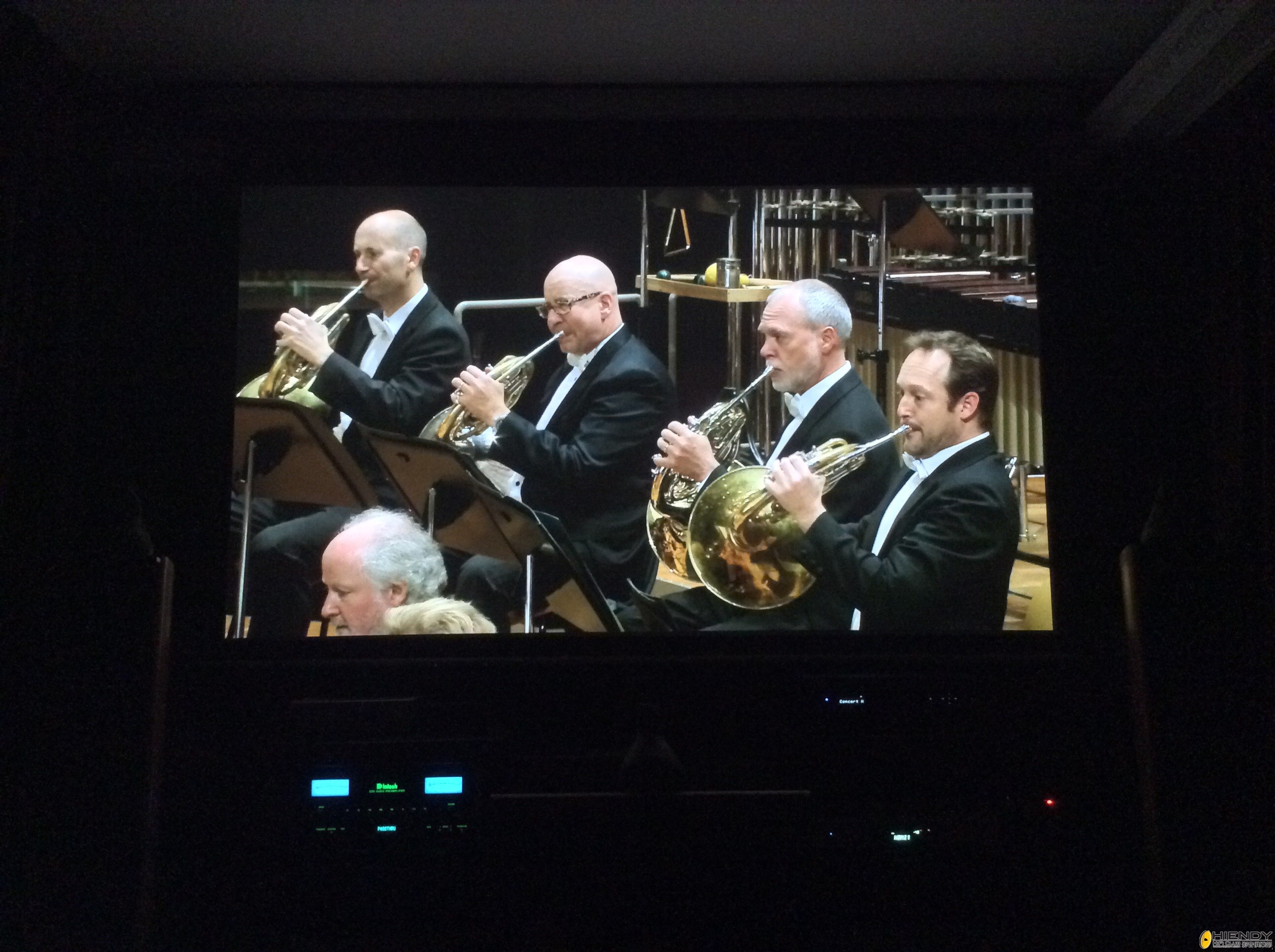
3.Added the "Digital Concert Hall" application from Berliner Philharmoniker, which provides live and recorded classical music concerts in HD video from leading orchestras all over the world. Removed the "Film Fresh" application which is no longer functional due to the service provider stopping the service.
4.Improved Gapless Playback performance. Resolved issues such as the second track playing twice before moving to the third track, and resolved an issue where the Gracenote information could not be fetched when playing WAV files. (On a related note, there is a small chance in Gapless Playback mode that the second and successive FLAC or APE files become slightly chopped off before moving to the next track. It might be related to the "Compresssion Level" setting during the file encoding. Should this happen, please contact OPPO service and provide some sample files.)
5.Resolved an issue where user settings (Size, Distance, Trim) inside the Speaker Configuration were incorrectly applied to the Headphone Out signal route. We revised the algorithm in this firmware and the Headphone Out signal is no longer affected by the Speaker Configuration changes.
6.Added a safety feature for BDP-103/103D: the "SACD Output" format is set to "PCM" by default. The reason is that the digital-to-analog converter (DAC) used on these two models cannot adjust the volume for DSD signals, so the analog volume level could automatically switch back to 100 when a DSD stream is detected. This safety feature will force the DSD stream to be decoded as a PCM stream before sending it to the DAC, which can help control the volume when loading SACD disc(s).
7.Added support for the "4Kx2K@50/60Hz" resolution to the BDP-103D/105D (HDMI 1 only, and in YCbCr 4:2:0 format only). The "4Kx2K Output" setting for the BDP-103D/105D is set to "Auto 4K 50/60Hz 4:2:0" by default. Please note that once "4Kx2K@50/60Hz" is activated, the user choices of "Color Space (HDMI 1)" and "Deep Color (HDMI 1)" in "Setup Menu -> Video Setup -> HDMI Options" is not used.
8.Resolved an issue of “Reset Factory Defaults” not erasing the user account for the Youtube Leanback application.
9.Resolved an "A/V Sync" related issue where the A/V Sync data was not be automatically applied to the Coaxial and Optical digital audio outputs after the player was powered on.
10.Improved the file sorting algorithm for the media center (the Music, Photo and Movie options on the Home Menu). The player can automatically detect numbers located at the beginning or end of the filenames and sort the files by the numeric value. Albums with numbered tracks will play in the proper order.
11.Extended support for the PCM audio format for up to 24-bit, 352.8 kHz / 384 kHz via the USB DAC IN port (BDP-105D only).
12.Resolved an audio sample rate issue between the BDP-105D's USB DAC IN and computers running Mac OS X.
13.Added the timing adjustment for external subtitles. This can be accessed from the "Option" menu -> "Subtitle Adj." -> "Sync." when playing movies from a USB flash drive or external hard drive.
14.A new version of the Windows driver for the USB Audio DAC is available for download here (v2.22). It is compatible with BDP-105, 105D and the upcoming headphone amplifier HA-1. Please uninstall the previous version(s) of the OPPO USB DAC driver from your computer before installing this new one.
15.General disc compatibility improvements based on recent and upcoming Blu-ray releases as well as user-submitted disc samples.
|
|




 IP卡
IP卡 狗仔卡
狗仔卡
 發表於 2014-5-31 11:41:03

 提升卡
提升卡 置頂卡
置頂卡 沉默卡
沉默卡 喧囂卡
喧囂卡 變色卡
變色卡 顯身卡
顯身卡
 剛剛up左
剛剛up左